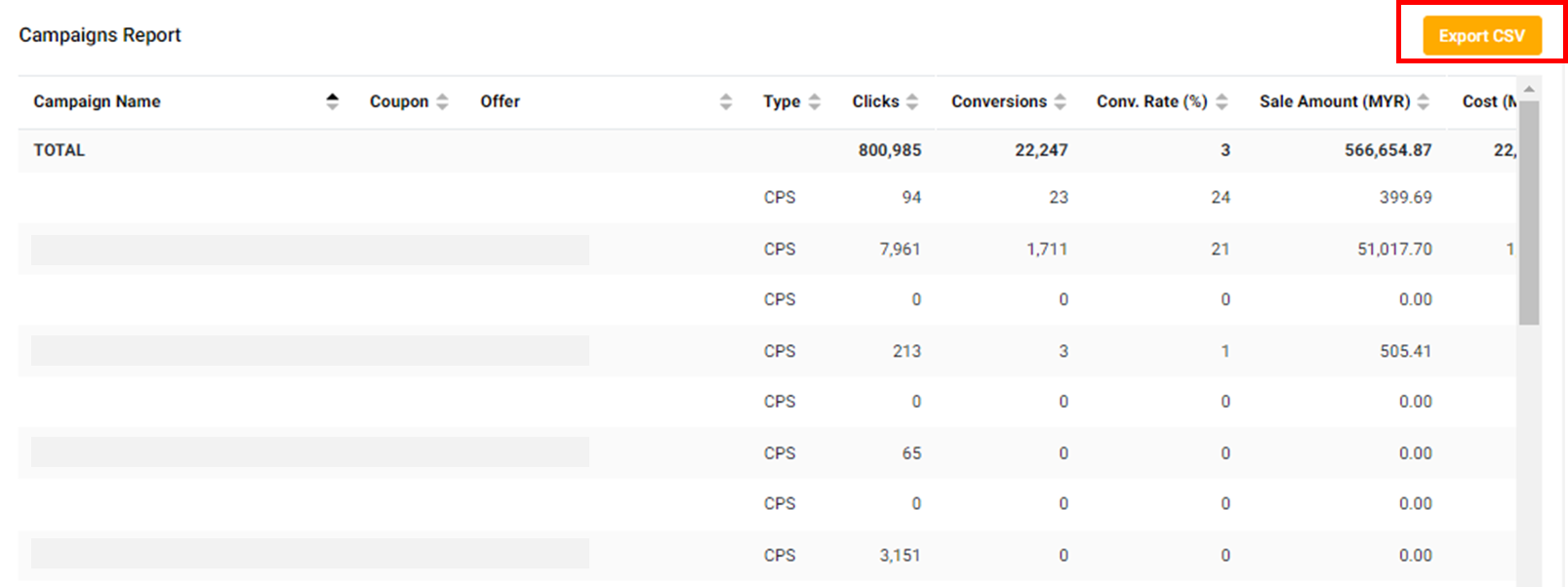
How to Use the Campaigns Report on Involve Asia Advertiser Dashboard
The Campaigns Report in your Involve Asia Advertiser Dashboard is designed to give you a clear overview of the performance of each campaign you run. It provides easy-to-read data and flexible filters so you can analyze results and take action quickly.
Step 1: Access the Campaigns Report
Log in to your Advertiser Dashboard. In the top menu, navigate to:
Reports > Campaigns Report
Step 2: Apply Basic Filters
You can filter your Campaigns Report based on:
Date Range
Campaigns
Campaign Status
For deeper insights, click More Options to access advanced filters.
Step 3: Customize Columns
Tailor your report by selecting the specific information you want to see, such as:
Conversion Information
Campaign Information
Offer Information
Once customized, click Search to update your view.
Step 4: Export Your Report
When you’re happy with your report, download it for further analysis. Simply click the Export CSV button.